
Reports and settings
A walk-through with pictures is in Training 2.
Calculation report #
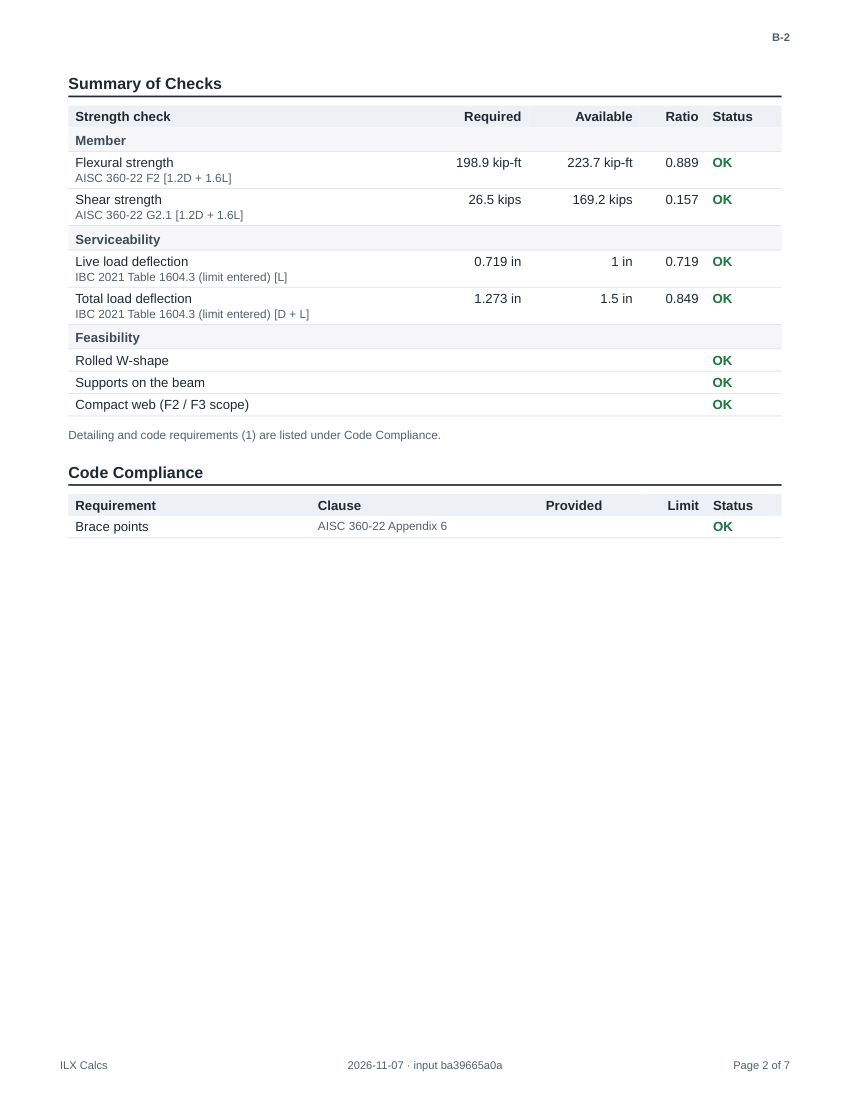
Calc report (PDF) creates the report: a first page with the project, the calculation and its status, then the inputs, the loads and combinations, every check with its equations and code clauses, and the diagrams. The arrow beside it offers Summary report, Full report and Customize this report, which changes what this one report includes. In a project's menu, Calc package (PDF) puts its calculations in one PDF.
Drawing sheet creates the sheet as a PDF on the chosen size, and Drawing (DXF) the same sheet for CAD; All sheets (PDF) in a project's menu makes the set. Load chasedown, load combinations, dead load build-up and the unit converter make no sheet.

Settings #
Settings belong to you, and a project can override them. My defaults apply to every project; choose a project in the scope bar to override a field for that project only (an overridden field shows Project and can be reset). Copy from project, Make these my defaults and Reset project work on a project's overrides. No setting is global to the server.
Title block #
Firm name, address, phone, web, license, logo text and the engineer of record; the default sheet size, the sheet number prefix, the status, drawn, checked and approved by, the border zones and the general notes. {codes} in a note prints the codes and editions the sheet's calculation cites.
Report #
Presets, the sections and their order, the level of detail, units (including dual units), headers and footers, signatures and the disclaimer. Preview report shows the result before you save.
Design #
Design defaults for your calculations. Save as project defaults in the editor stores the materials, methods and limits of one calculation as the starting values for new calculations of the same type in that project.
Verification and user manual #
Verification is the record described in Verification. User manual opens this manual; so do ? in the header and F1.